Plug in once.
Never touch the cable
again.
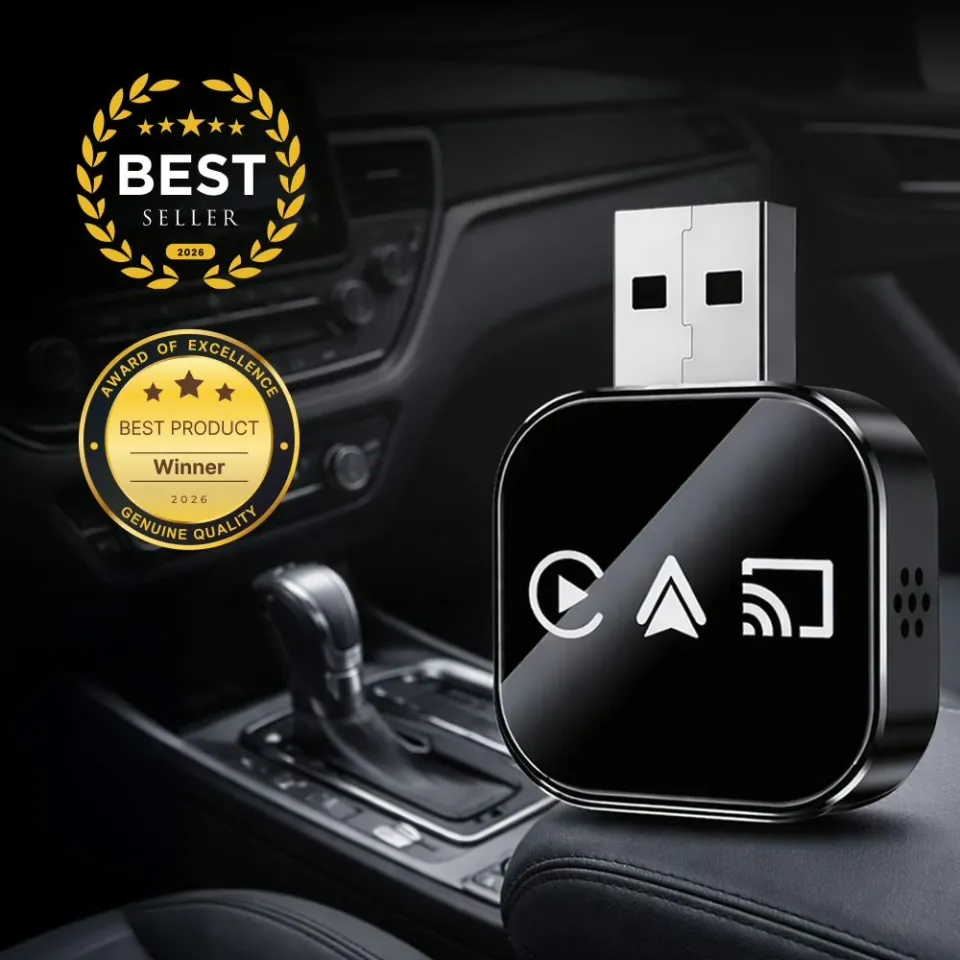
DrivePair turns your car's factory-wired CarPlay or Android Auto into a wireless connection. Start the engine, and your phone links up on its own — maps, music, calls and messages, with the cable left in the glovebox for good.
Sound familiar?
The cable is the worst part
of an otherwise good car
The daily cable hunt
One cable in the cupholder, one in your bag, one in the glovebox — and somehow never the right one when you sit down to drive.
Drops mid-drive
A loose port or a worn connector kills navigation halfway through a turn, and you are the one reaching for the phone in traffic.
A cluttered dash
A cord hanging across the console, in the way of the gear shift, the cupholders and the wireless charging pad you already paid for.
The wrong port
Newer cars moved to USB-C, older ones kept USB-A, and half the accessories you own fit only one of the two.
Who it's for
DrivePair makes sense
if you...
Already have factory CarPlay or Android Auto and want it without the cable
Commute daily and are tired of plugging in and unplugging twice a day
Take long trips and stop for gas without wanting to re-pair every time
Drive a newer car with USB-C ports and no adapter that fits properly
Share the car with a partner or family and swap phones constantly
Want to keep the wireless charging pad free instead of using it as a cable rest
Tried a cheap adapter before and got lag, dropouts or iPhone-only support
Prefer something that works out of the box, with no apps and no installer
How it works
Setup takes less time
than reading this
DrivePair sits between your car's USB port and your phone's wireless radio. It takes the same CarPlay or Android Auto signal your cable was carrying and sends it over 5GHz Wi-Fi instead, using Bluetooth 5.0 to handle the handshake.
Nothing in the car is modified and nothing is installed. Pair the phone one time, and every drive after that starts on its own.
Plug it in
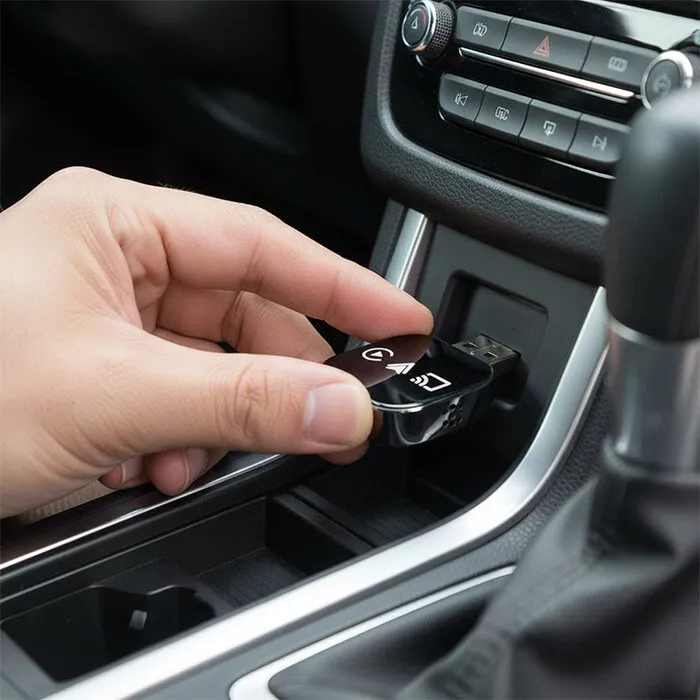
Connect the adapter to your car's USB port, using the included USB-C adapter if needed
Pair once
Follow the prompts on your vehicle display — it takes about 30 seconds
Drive wireless
From then on, your phone connects on its own each time you start the car
What's inside
Built to make every drive
effortless
Auto-connect in about 10 seconds
Start the car and the adapter begins pairing immediately. In most vehicles the connection is live in five to ten seconds — usually before you have finished buckling your seatbelt.
One adapter, both platforms
Works with Apple CarPlay on iPhone and with Android Auto on compatible Android phones. Hand the car to someone with a different phone and it still works — no second dongle needed.
5GHz Wi-Fi with Bluetooth 5.0
The 5GHz band carries the video and audio stream while Bluetooth 5.0 handles the handshake. That combination is what keeps navigation prompts and music in real time instead of lagging behind, as older 2.4GHz adapters tend to do.
Every factory control still works
Siri and Google Assistant, steering wheel buttons, volume, track skip, the touchscreen and the physical knobs all behave exactly as they did with a cable. The adapter changes how the signal travels, not what your car can do.
USB-C adapter in the box
The adapter has a USB-A connector and ships with a USB-A to USB-C adapter, so it fits older and newer vehicles without a separate purchase.
Plug and play, nothing to install
No app to download, no firmware routine, no dealer visit. Its compact body tucks into the console or the glovebox and stays out of sight once it is connected.
What changes day to day
Small upgrade, noticeable
every single drive
Get in and go
No cable to find, untangle or plug in before you pull out
Navigation that stays up
No dropouts from a loose port halfway through a turn
A clean console
Nothing hanging across the dash or blocking the cupholders
Wireless charging stays free
Your phone can charge on the pad instead of holding a cord
Easier stops on long trips
Step out for gas and step back in without re-plugging
Works with a shared car
iPhone or Android, whoever is driving that day
Less wear on the port
The car's USB port stops taking a plug cycle twice a day
Nothing new to learn
The same CarPlay or Android Auto screen you already use
On the road
The part of the drive
you stop thinking about
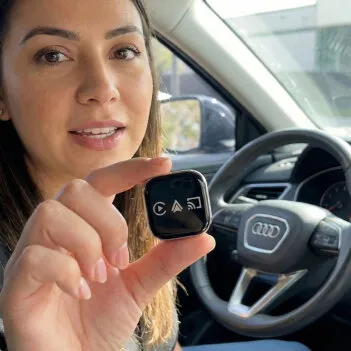
A commute is the same route, twice a day, every weekday. The cable is a two-second task that you repeat about five hundred times a year, and it is exactly the kind of friction that stops registering as annoying and just becomes part of driving.
Taking it away does not change the route. It changes the first ten seconds of it, and those ten seconds set the tone for the rest.
"My commute is 45 minutes each way and I was tired of plugging my phone in twice a day. It connects before I finish buckling my seatbelt. Small thing, but my mornings are easier."
Rachel S. — verified customerCustomer reviews
What drivers are saying
A selection of reviews published on the seller's official site. Individual experiences vary by vehicle and phone.
"I used to keep cables in the cupholder, in my bag and in the glovebox, and I still never had one when I needed it. Now I get in and my phone connects on its own."
"I bought it for my wife because her new car only has USB-C ports. The included adapter worked on the first try and she doesn't even notice it connecting anymore."
"I'd tried two random wireless adapters before and both were basically iPhone-only even though they claimed otherwise. This one actually works with my Samsung and hasn't dropped yet."
"I have a truck with only USB-C. Plugged it in and it just worked. I tucked it into the console and forget it's even there. Haven't used a cable in weeks."
In the box
Everything you need,
nothing you don't
Unbox it, plug it in, pair it once. There is no app to install and no account to create. If your vehicle has factory-wired CarPlay or Android Auto, that is the only requirement.
guarantee
Try it in your own car
Compatibility depends on your specific vehicle and phone, so the honest way to find out is to plug it in. Every DrivePair order is backed by a 30-day money-back guarantee according to the official policy. If it is not right for your car, contact support within 30 days of receiving your order to arrange a return and refund, subject to the seller's return policy. Full terms are shown on the official sales page.
Get yours
Order DrivePair on the official site
Current pricing, bundle options and shipping are shown on the official checkout page, where the order is completed.
DrivePair Adapter
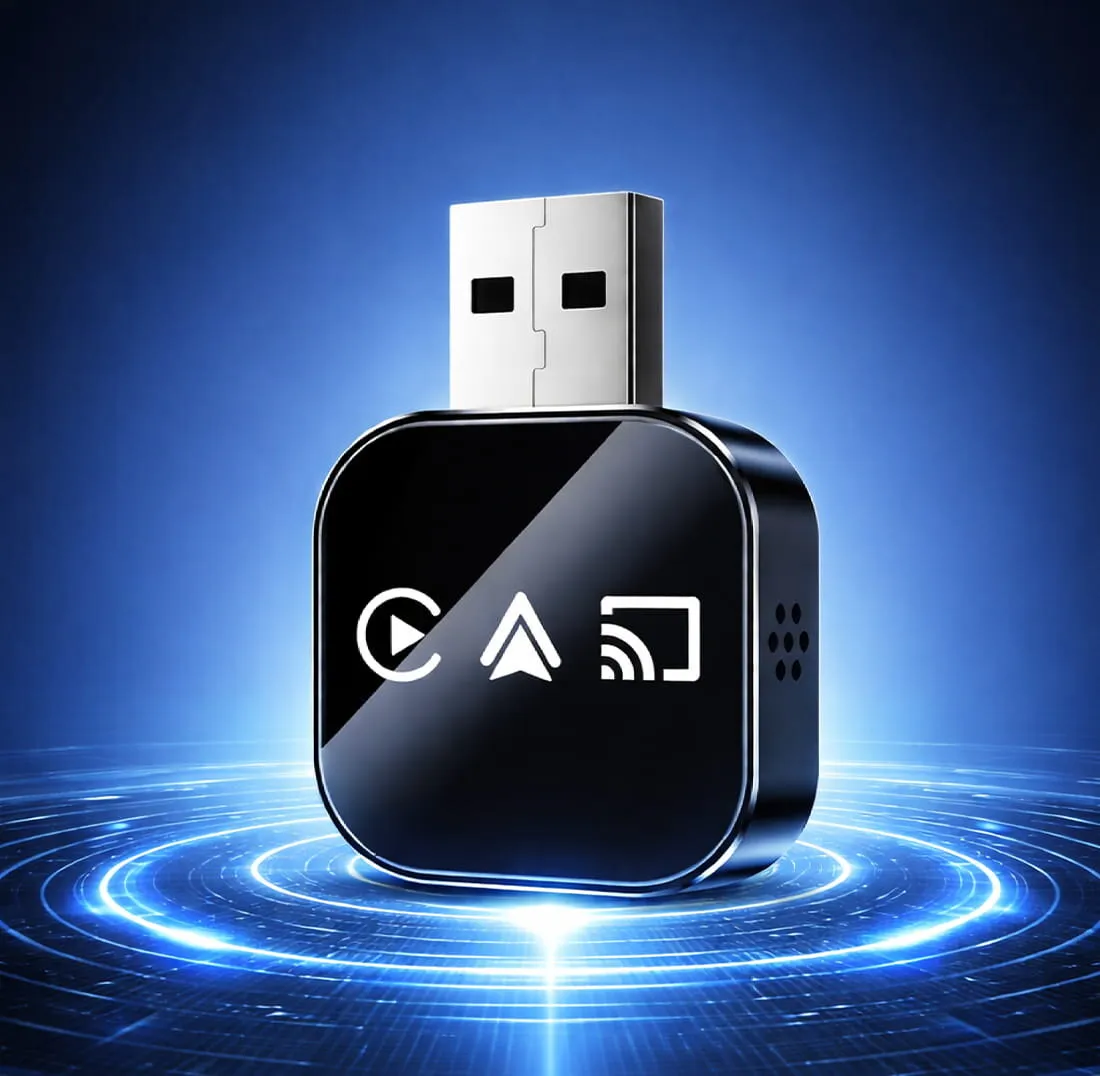
- ✓Wireless CarPlay and Android Auto in one adapter
- ✓USB-A to USB-C adapter included
- ✓600+ compatible vehicle models
- ✓30-day money-back guarantee
Price and availability as shown on the official site at the time of purchase
Your order details are processed by the seller, not by this page
Questions
Frequently asked questions
How fast does DrivePair connect?
Usually in about 5 to 10 seconds after you start the car. The chipset pairs 5GHz Wi-Fi with Bluetooth 5.0, so the handshake happens while you are still settling in.
Does it work with both iPhone and Android?
Yes. DrivePair is a 2-in-1 adapter that works with Apple CarPlay on iPhone and with Android Auto on compatible Android phones.
Will DrivePair work with my car?
DrivePair is compatible with 600+ vehicle models. If your car already has factory-wired CarPlay or Android Auto, the adapter converts that connection to wireless. It does not add CarPlay or Android Auto to a car that never had it.
Do I need the USB-C adapter?
Only if your car has a USB-C port instead of a standard USB-A port. The USB-A to USB-C adapter is included in the box, so both port types are covered.
Will my steering wheel controls still work?
Yes. Siri, Google Assistant, volume, track skip, the factory touchscreen and the physical knobs keep working exactly as they did with a cable. Nothing in the car is modified.
Is there audio lag?
The 5GHz Wi-Fi connection carries audio and navigation without a noticeable delay. Music, calls and turn-by-turn prompts play in real time.
How do I set it up?
Plug the adapter into the car's USB port, pair once on the vehicle display, which takes about 30 seconds, and you are done. There are no apps to download and no firmware steps.
What if it doesn't work for me?
DrivePair is backed by a 30-day money-back guarantee according to the official policy. Contact support within 30 days of receiving your order to arrange a return and refund, subject to the seller's return policy.
Leave the cable
in the glovebox.
DrivePair converts the CarPlay or Android Auto your car already has into a wireless connection that starts on its own, every drive.
🛒 Get DrivePair nowImportant notice: This website is an affiliate partner page and not the seller's official website. Product descriptions, compatibility claims and specifications shown here are based on information published by the seller and may be updated without notice. Compatibility depends on the specific vehicle model, head unit and phone; connection times are typical figures and can vary with vehicle and conditions. Customer reviews reflect individual experiences and are not a guarantee of similar results. Price, availability, shipping terms and the applicable guarantee are those stated on the official site at the time of purchase. Orders, payments, shipping, warranty and returns are the responsibility of the seller.
Privacy Policy
1. Information collected
This website may collect information when you contact us or interact with the links on it, including basic usage data such as pages visited and general device information. Purchases are processed by the seller on its own official website, where its own terms and privacy policy apply.
2. Use of information
Any information collected is used to respond to your inquiries and improve the website. Order and payment data are handled at the time of purchase by the seller on its official website. We do not collect or store payment card details on this page.
3. Cookies and analytics
This website uses cookies to improve usage and measure traffic, including third-party analytics and advertising cookies. You can manage or disable cookies in your browser settings at any time.
4. Your rights
Depending on your location, applicable privacy laws may give you the right to access, correct or request deletion of your personal information, including the CCPA for California residents and the GDPR for EU and UK residents. To exercise these rights in relation to this website, contact privacy@drivepair.org. For requests concerning an order you placed, contact the seller's support team directly.
Terms & Conditions
1. Nature of the website
drivepair.org is an affiliate partner page and not the seller's official website. It redirects visitors to the official website, where the purchase takes place. As an affiliate, this website may receive a commission for sales made through its links, at no additional cost to you.
2. Prices and availability
Prices, promotions and availability are set by the seller and shown on its official website. They may change without prior notice. The information on this page is for guidance only.
3. Orders and payments
Orders, payments and shipping are handled by the seller on its official website according to its terms.
4. Guarantee and returns
The 30-day money-back guarantee, warranty coverage and returns are the responsibility of the seller. Contact customer support to make use of them.
5. Limitation of liability
This affiliate website is not responsible for the product, its guarantee, its warranty or its quality; that responsibility lies with the seller and the manufacturer.
Disclaimer
1. Trademarks and affiliation
Apple and CarPlay are trademarks of Apple Inc. Android and Android Auto are trademarks of Google LLC. DrivePair and this website are not affiliated with, endorsed by or sponsored by Apple Inc. or Google LLC. Those names appear here only to describe compatibility.
2. Compatibility
DrivePair requires a vehicle with factory-wired Apple CarPlay or Android Auto. It converts that wired connection to wireless and does not add CarPlay or Android Auto to a vehicle that does not already have it. Compatibility depends on the specific vehicle model, head unit and phone.
3. Performance figures
Connection times, range and stability are typical values reported by the seller and can vary with the vehicle, the phone, the phone's software version and local conditions.
4. Reviews and results
Customer reviews reflect individual experiences and are not a guarantee of similar results. Specifications, pricing and offers are those published by the seller and may change without notice.